 scenvas.
Describe it. Create it.
Describe the style and scene, choose a ratio and resolution, and bring your idea to life.
Wallpapers, AI creation, screensavers, weather effects and custom playback.
A scene of your own, on every screen.
From discovering and creating to playback and screensavers.
Six ways to make your desktop yours.
 Wallpaper storeExplore still and live artwork by style. Preview, save and apply your favorites.
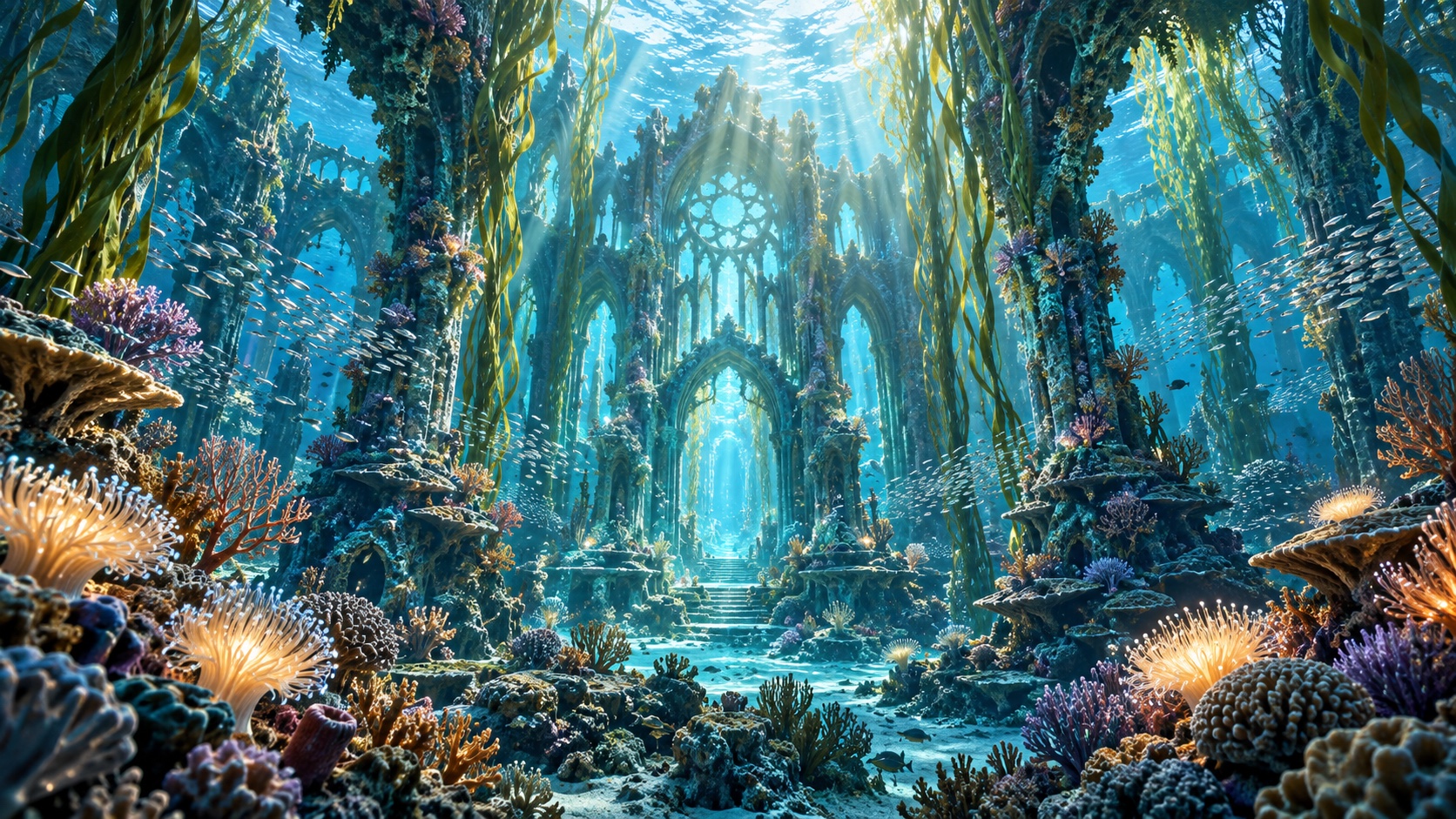 AI creationGenerate images from words, or turn an existing image into a live wallpaper.
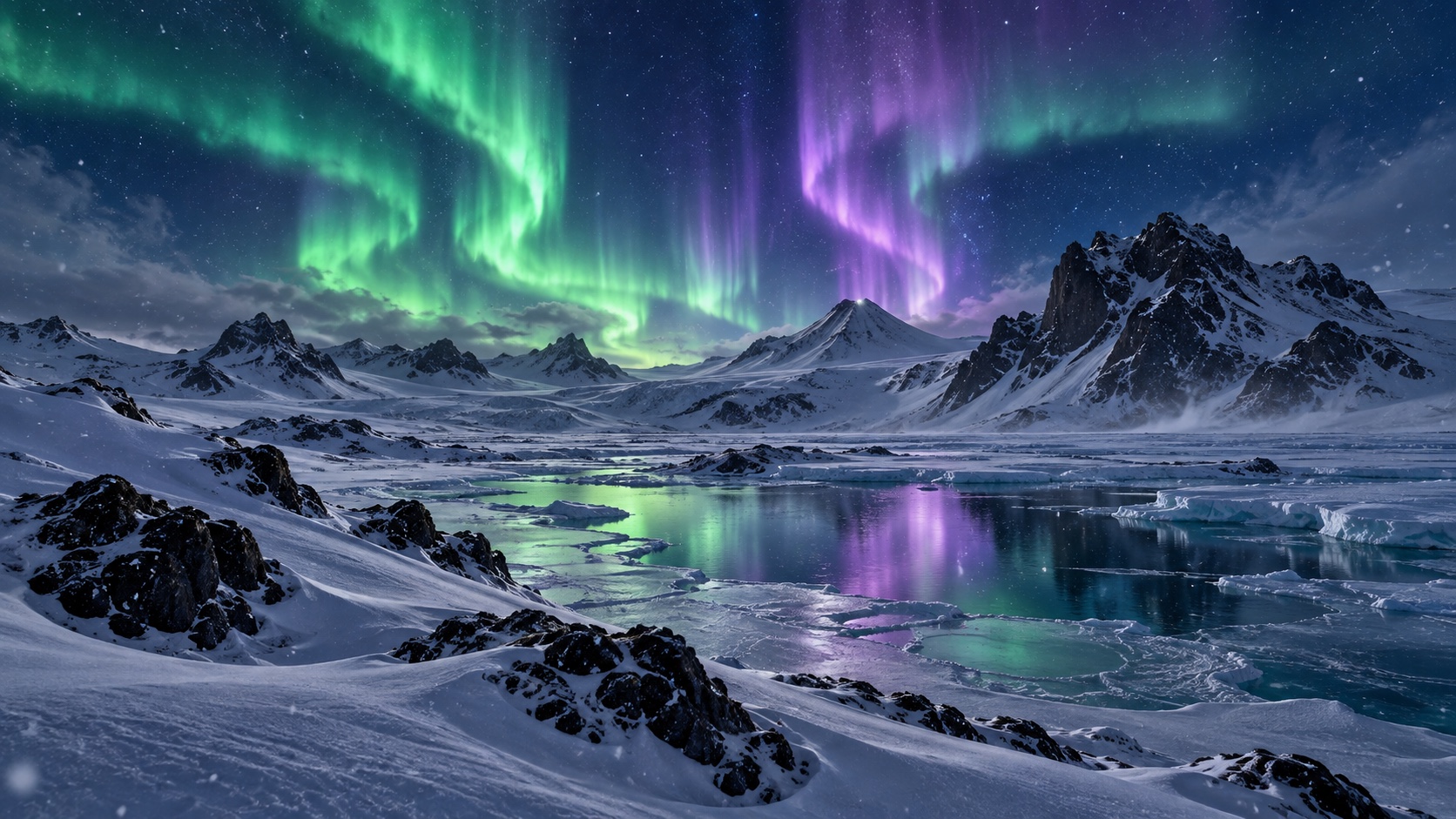 ScreensaversShow your favorite scenes while idle, with screensavers configured per display.
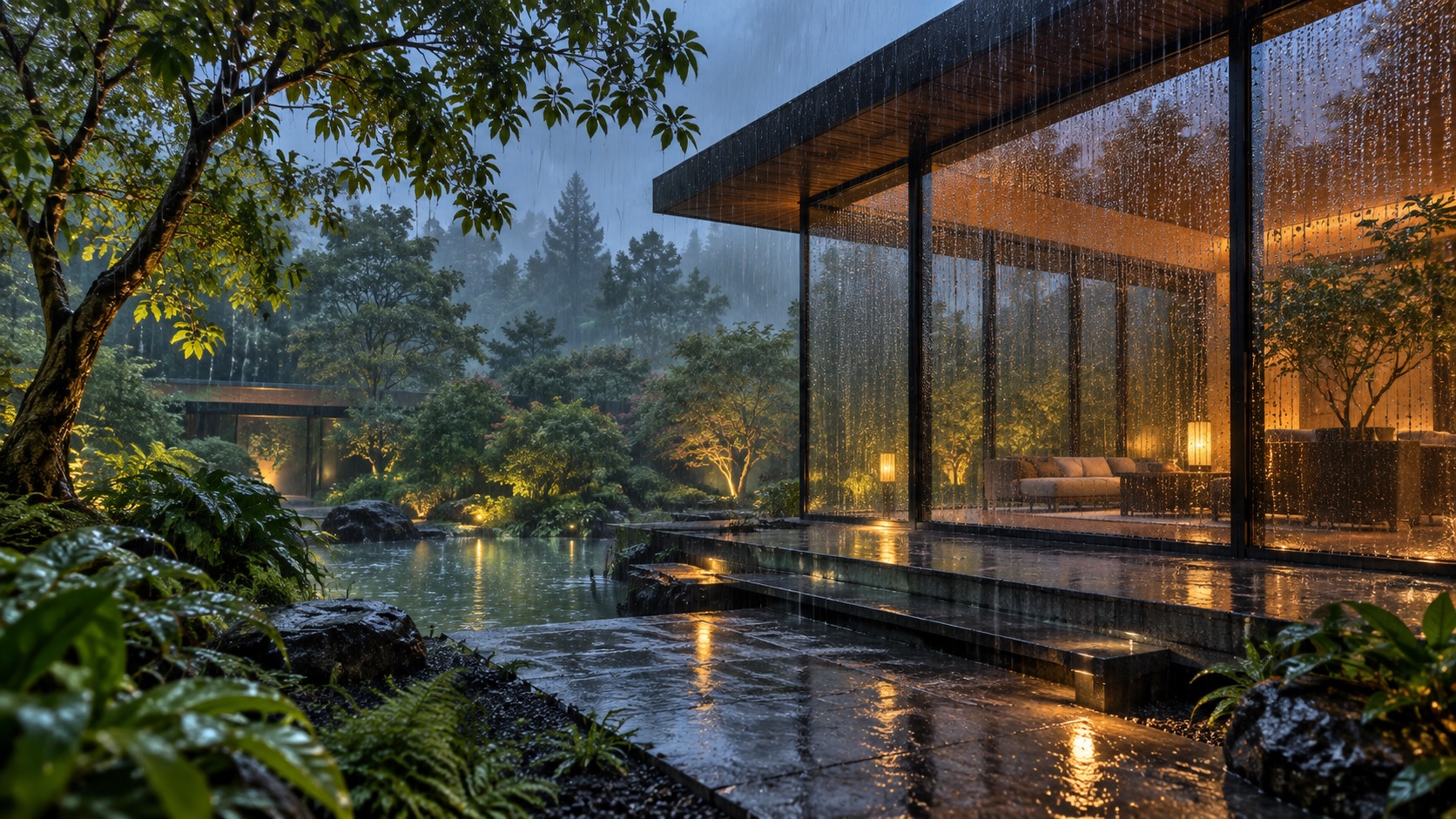 Weather effectsAdd rain, snow and thunderstorms that can follow local weather.
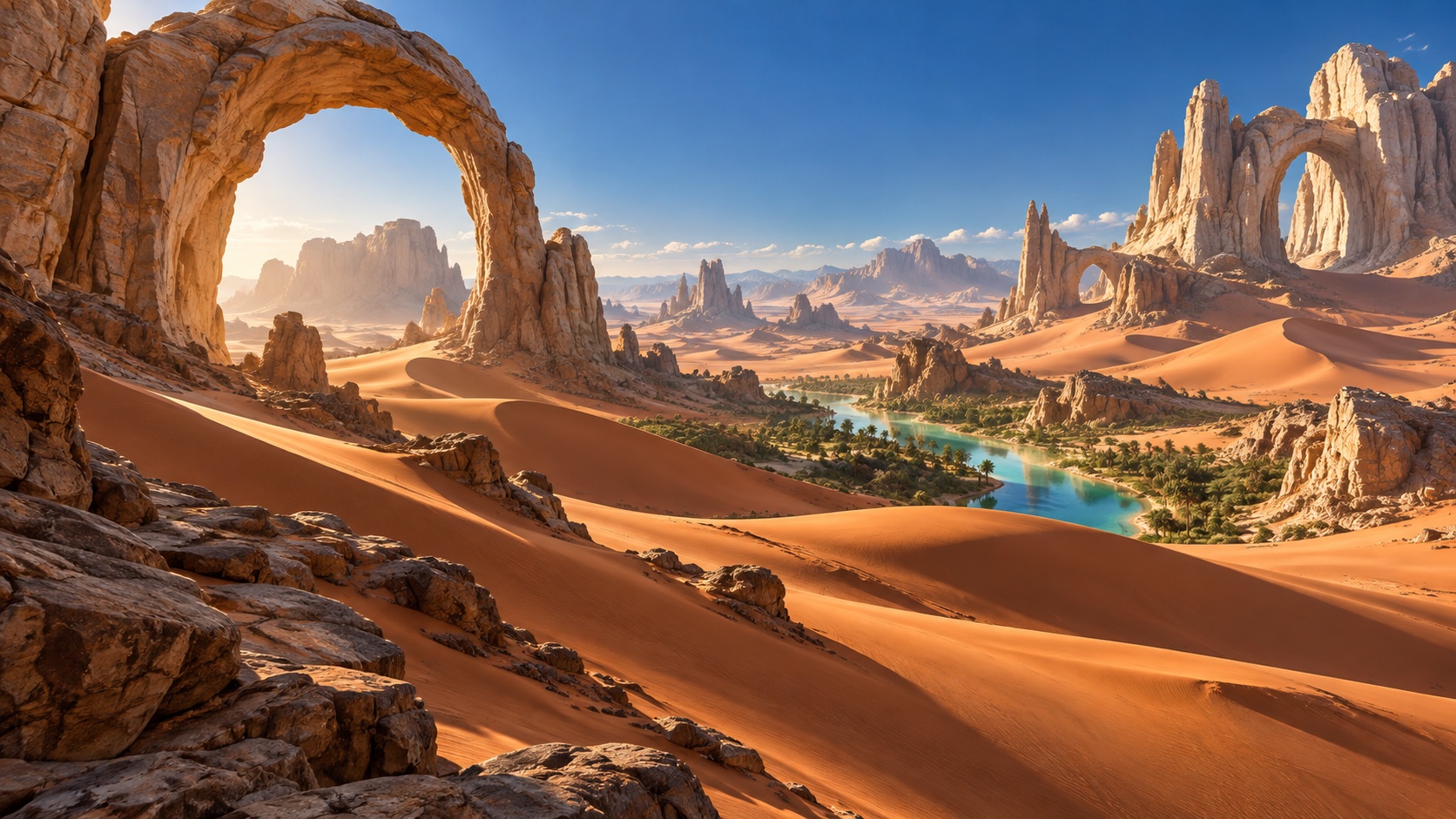 Multiple displaysSpread a scene across displays, with spanning and per-screen fitting.
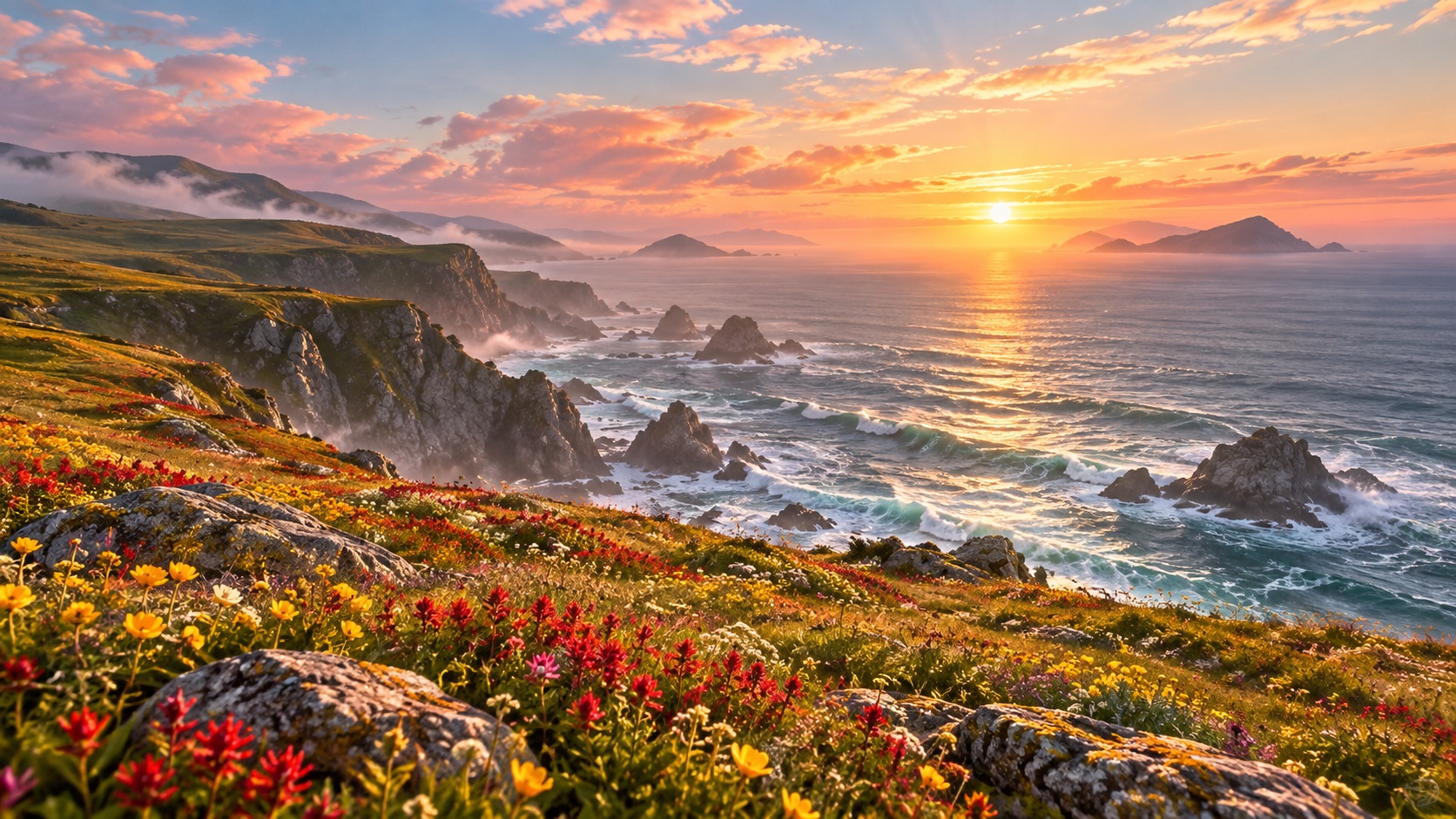 Custom playbackSave your favorites and change scenes at your own pace.
Explore reviewed still and live wallpapers by style. Preview, save to your library and apply to your desktop.
Glowing forestScenic wallpaper Terracotta oasisScenic wallpaper Coastal meadowScenic wallpaperSupports 4K output, image enhancement and different aspect ratios. Quality depends on the source and processing. Upscaled output is not native 4K.
Go beyond discovery.
Turn your imagination into a wallpaper with AI.
Describe the style and scene, choose a ratio and resolution, and bring your idea to life.
Choose an image from your library and describe the motion to animate clouds, water, light or characters.
Review creations in drafts before adding them to your library. Cloud generation uses credits with a price shown upfront, separately from desktop Pro. About creation credits
Show your favorite scenes when idle. Choose different wallpapers for your desktop and screensaver. Try the preview to see them switch.
Current desktop wallpaperDifferent favorites for your desktop and screensaver.
Layer animated rain, snow and thunderstorms over still or live wallpapers.
Follow the weather in a chosen region, or pick your favorite effect manually.
Save a region to match your desktop to the world outside.
No need to wait for the weather. Turn on rain or snow whenever you like.
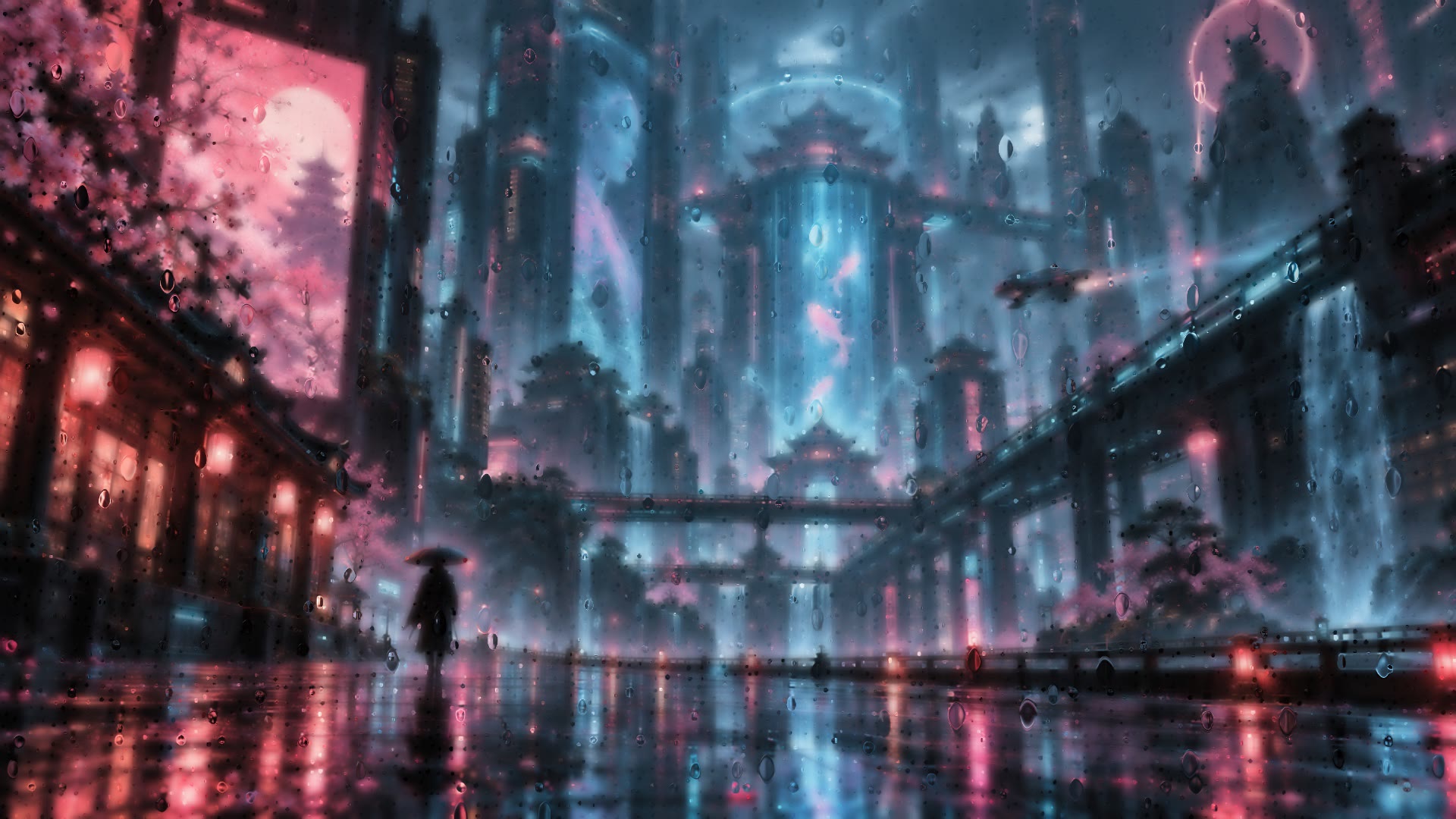 01 / WEATHER
Droplets gather and slide through a soft mist, making your wallpaper the view outside.
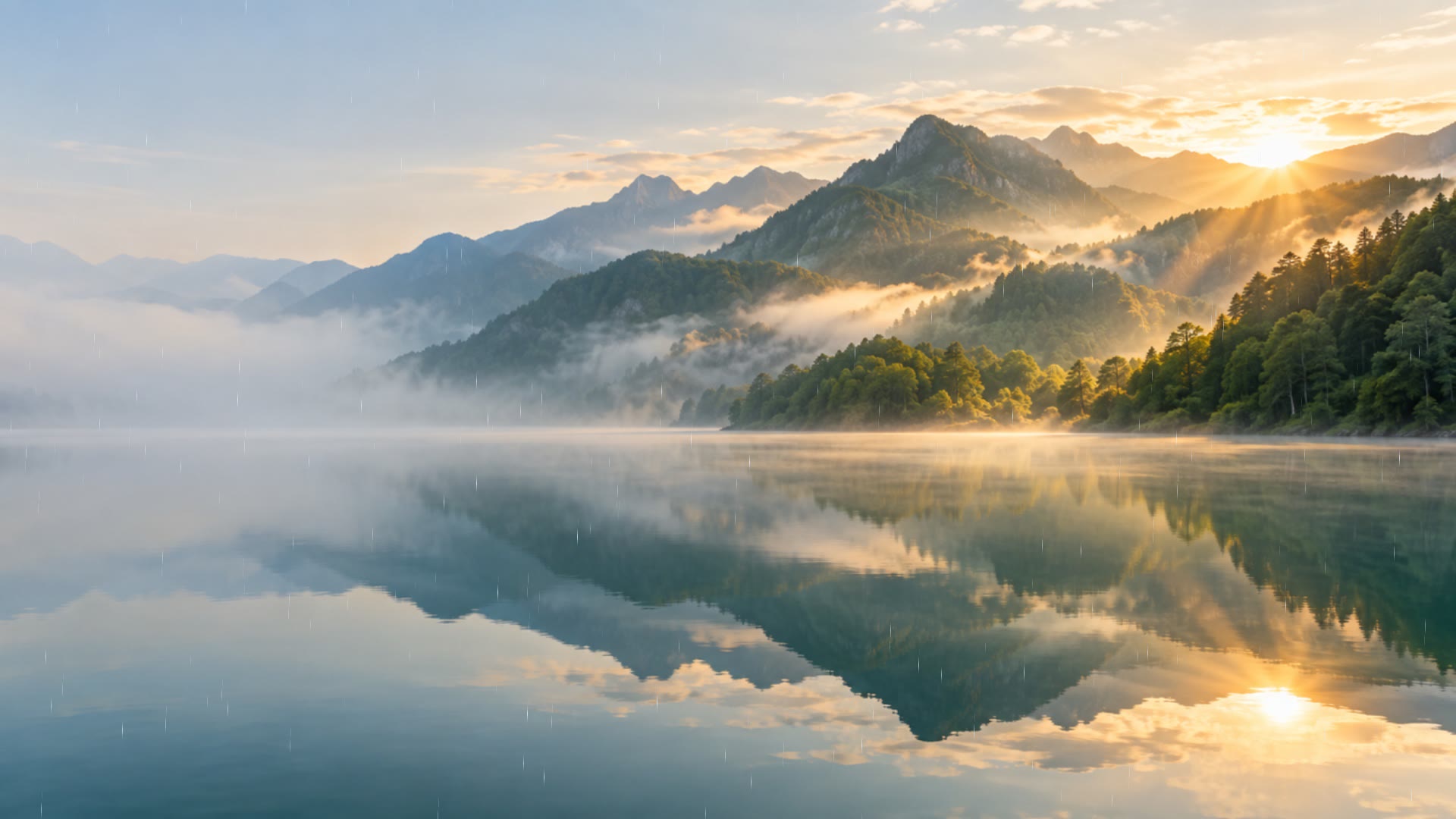 02 / WEATHER
Open-air rain falls with the wind while preserving the outlines of your scene.
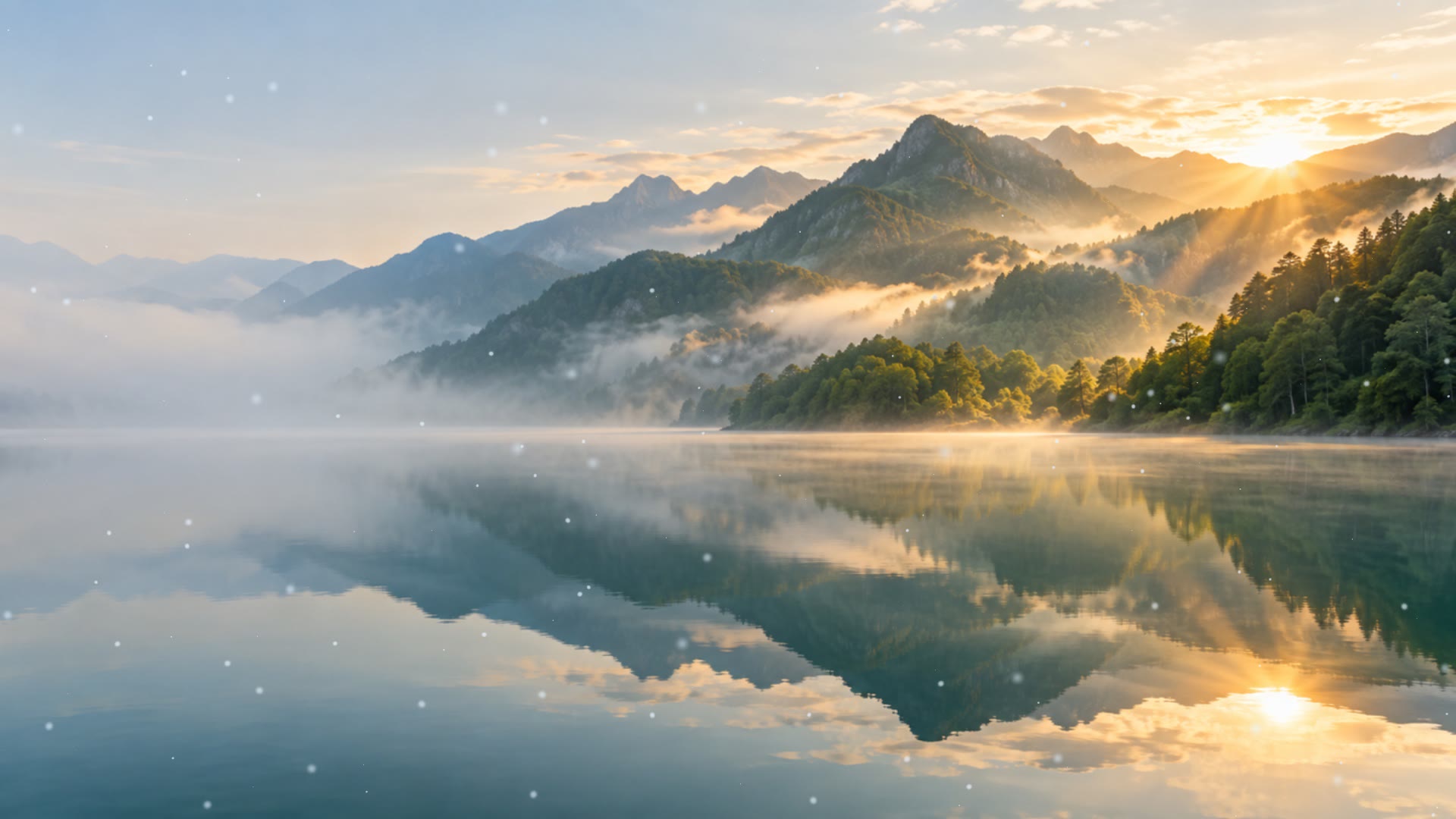 03 / WEATHER
Layers of snowflakes drift at different speeds, adding winter atmosphere to still and live wallpapers.
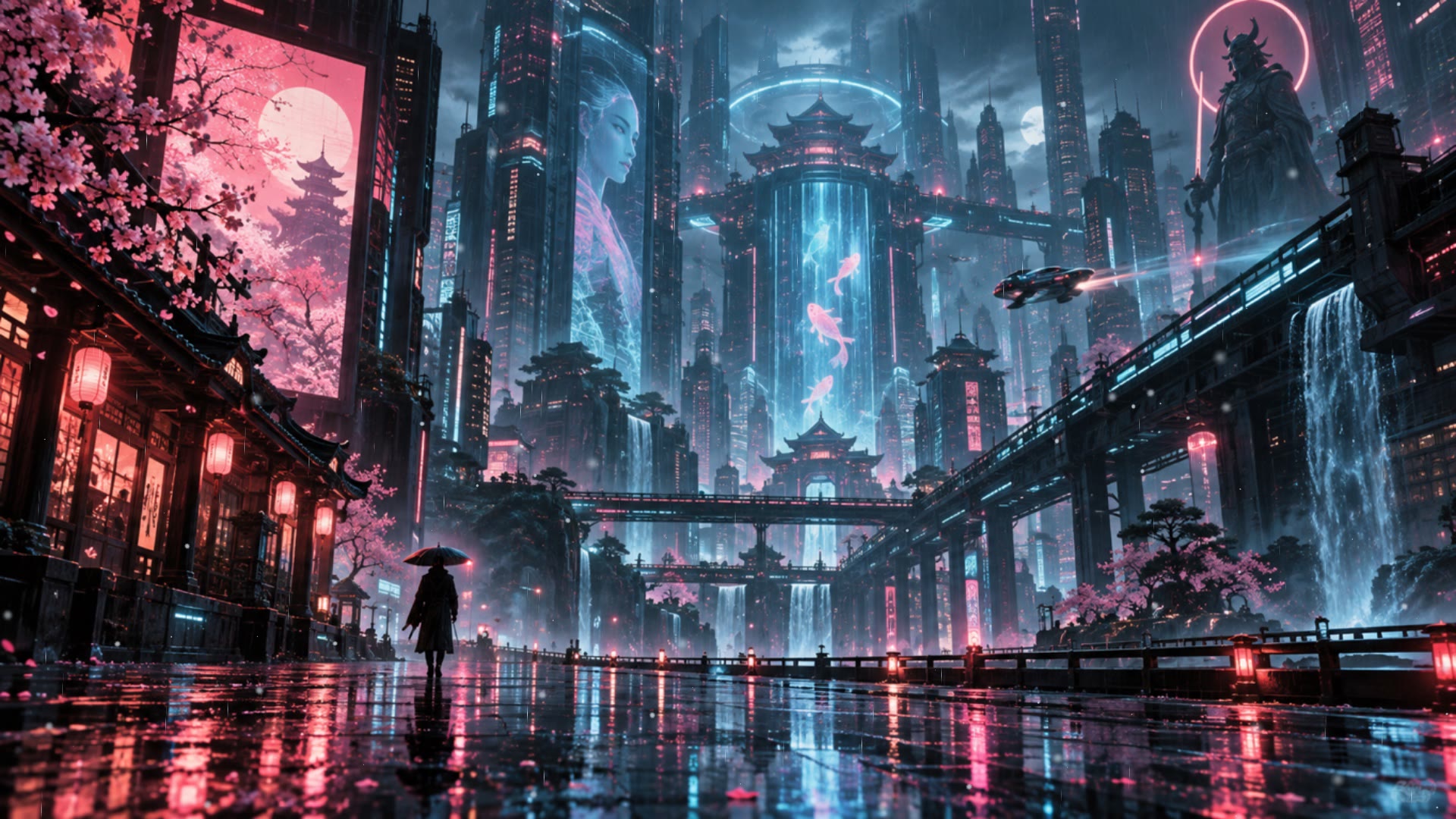 04 / WEATHER
Fine rain and gentle snow create a rhythm between two kinds of weather.
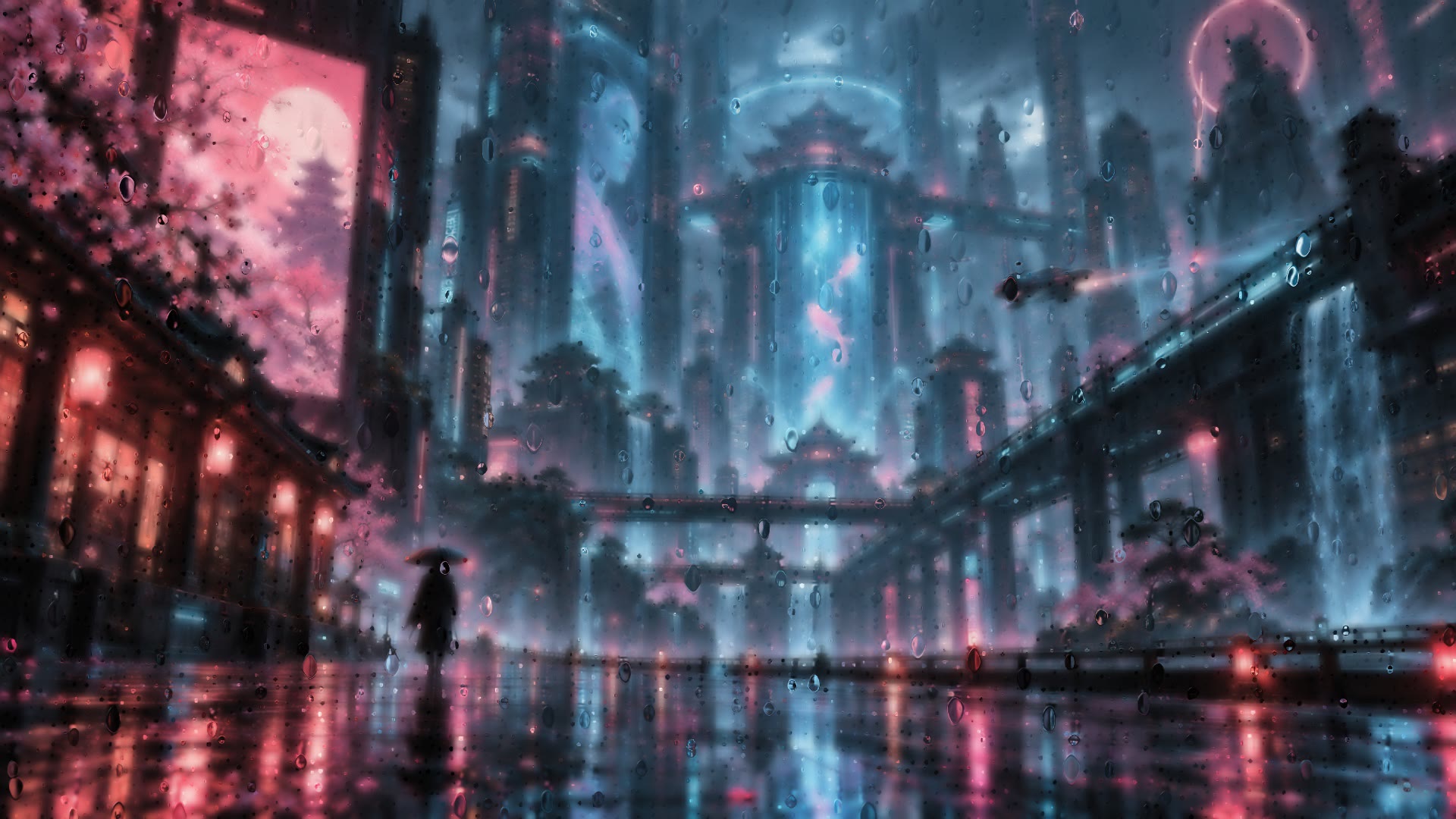 05 / WEATHER
Heavy rain blends with the night. Lightning can be enabled in the app; this preview has no flashes.
Your region is saved with your account and can be changed anytime. Switch to manual rain, snow, sleet or thunderstorms, with adjustable intensity and power saving.
Extend your scenery across multiple displays. Span one image or choose a different wallpaper per screen. Try both in the preview.
DISPLAY 01DISPLAY 02Every screen has its own scene.
Arrange your favorites into playlists and choose how often they change.
01 / Underwater templePlaying02 / Coastal meadow03 / Glowing forestChange desktop scenes at your own pace
Create an account or sign in with an email code. Upload your favorites or create with available AI models.
Organize your library or explore reviewed community wallpapers by style.
Sign in to the desktop app, preview and download a wallpaper, then choose a screen and apply it.
Try all desktop features free for 7 days.
Pay once, use forever. Prices vary by purchase region.
Your trial starts at your first desktop sign-in and includes all desktop features.
Buy once for lifetime desktop access. No renewals.
After your trial, browsing and previews remain available and local files are kept. Downloads, applying wallpapers and screensavers, live playback and weather effects require Pro. AI generation uses separate creation credits.
See the credit price before generating an image or video. Credits are charged after delivery; failed or cancelled queued jobs return reserved credits. AI credits are separate from lifetime Pro.
Your 7-day free trial starts when you first sign in on desktop.
Scenvas keeps running in the background when you close the window.
New scenery for your Mac
New scenery for your Windows PC
The trial includes the same desktop features as Pro for 7 days, starting at your first desktop sign-in. Reinstalling or switching devices does not reset it. After the trial, browsing and previews remain available and local files are kept. Pro unlocks downloads, wallpaper and screensaver settings, live playback and weather. AI credits are separate.
Pro is a one-time purchase with no subscription or automatic renewal. Choose Get lifetime Pro to open checkout. The desktop app opens your browser with your account signed in. After confirmation, Pro syncs to the same account on Mac and Windows. Price and available methods depend on your purchase region.
Pro provides lifetime desktop features. AI generation uses separate creation credits. Each published image or video option shows its credit price before you start. View and buy credits in the web studio.
Credits are reserved when you submit a job and charged after delivery. Failed or cancelled queued jobs return reserved credits. Prices depend on the model and output options shown before generation.
Install the desktop app and sign in. Browse and preview the store or your library, then download a wallpaper and apply it.
Creations appear in drafts first. Add them to your library when ready. They only appear in the store if you submit them and they pass review.
Save a region to follow its weather, or choose rain, snow, sleet or thunderstorms manually in the app.
Use the web studio for AI creation, drafts, uploads and library management. Use the desktop app to browse, download and display wallpapers, screensavers and weather effects.
No. Your drafts and personal library are private. Other users can only download your work after you submit it to the store and it passes review.